
Securely launch OpenClaw
in minutes.
Skip the setup headaches. Get the world's most powerful AI assistant securely hosted without a line of code.
The most powerful AI assistant yet.
OpenClaw is an open-source AI assistant that lives in your favourite chat app. It handles your calendar, email, tasks, and busywork across 50+ apps, around the clock. Clawbit is the easiest way to get it running: pick a plan, answer a few questions, and you're live.
Visit OpenClawIts own computer
OpenClaw controls a full computer: clicking, typing, navigating, and running tasks like you would.
Any chat app
Talk to it on Telegram, Discord, Signal, iMessage, and more. Works in DMs and group chats.
Persistent memory
Remembers you and becomes uniquely yours over time. Your preferences, your context, your AI.
Browses the web
It can search the internet, fill out forms, extract data from any site, and bring the results straight to you.
Runs your tasks
Read files, manage folders, run automations, execute complex workflows. Full control or guardrails, your choice.
Skills & plugins
Extend it with community skills or build your own. It can even write its own plugins on the fly.
Just ask.
Message your assistant in plain English. No menus, no buttons, no learning curve.
Everything OpenClaw offers.
Ready when you are.
We handle hosting, security, and updates. You get the full OpenClaw experience without the setup pain.
Ready in minutes
Pick a plan, name your assistant, connect your chat app. Done.
Everything included
Memory, automations, integrations, and a clean dashboard. No cut-down version.
Private by default
Your own secure server. Automatic updates, locked-down settings, nothing leaking out.
One dashboard
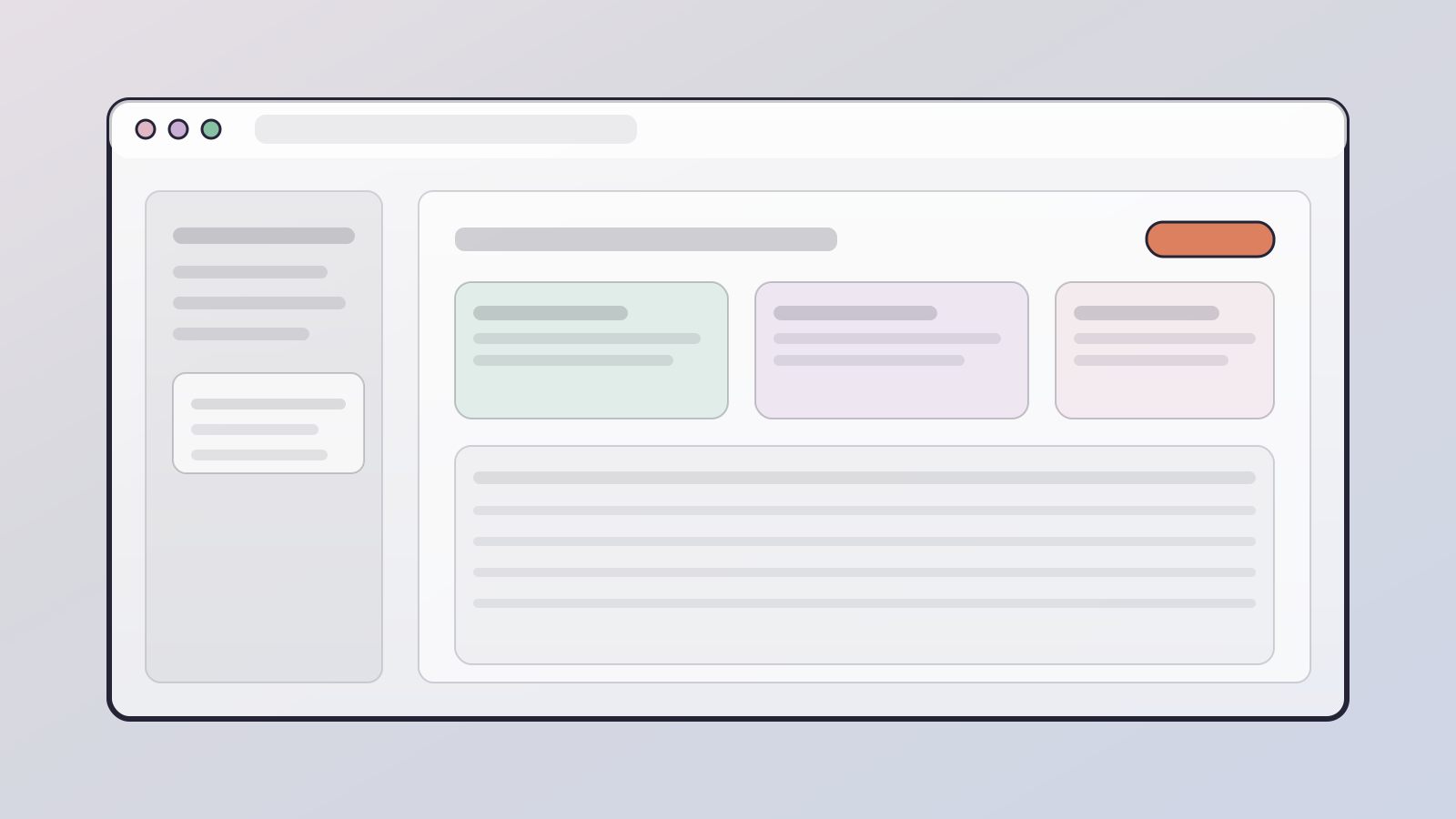
Monitor your assistant, manage settings, and access the full OpenClaw interface.
Security first.
Your assistant needs access to your apps to be useful, so we've built every layer of Clawbit around keeping your data private. Every customer gets their own dedicated server. Nothing is shared, nothing is exposed, and nothing leaves your instance without your say-so.
Fully isolated
Every customer gets their own private server. No shared machines, no shared databases, no shared memory.
Your keys never leave
API keys and tokens live only on your server. We never copy, store, or transmit them anywhere.
No data leaves your server
Conversations, prompts, and files stay on your machine. No syncing, no telemetry, no silent collection.
Locked by default
Nothing is exposed until you say so. Add-ons stay disabled until you choose to enable them.
Kill switch included
Delete your server anytime. All data is destroyed instantly. Rebuild from clean whenever you want.
Always on, always yours
Runs 24/7 in its own private cloud instance, completely separate from your personal devices.
From zero to running
in three steps.
No installs, no command lines, no weekend projects. Just a few quick questions.
Pick a plan
Choose what fits. Start small, upgrade whenever you want.
Connect your LLM and chat app
Connect your LLM of choice and hook up your preferred chat app.
Start talking
Start chatting with your assistant, who'll pick it up from here and guide you through all its superpowers.
Self-hosting vs.
letting us handle it.
Same OpenClaw. Very different experience.
Setting it up yourself
- Follow technical guides, copy commands, cross your fingers
- When something breaks, you're on your own
- You're responsible for security updates
- One wrong setting can expose your data
- Works great until it quietly stops
clawbit
- Answer a few questions and you're live
- Locked down and secure from the start
- Updates happen automatically
- Monitored around the clock, issues caught early
- Real help when you need it
50+ integrations.
Zero lock-in.
Chat apps, AI models, smart home, productivity. OpenClaw connects to the tools you already use.